


Common designer mistakes
Use this page to match a visible problem to a correction. After changing the source, rerun the relevant check and confirm that the intended content and behavior still hold. Not every problem below is detectable by the plugin.
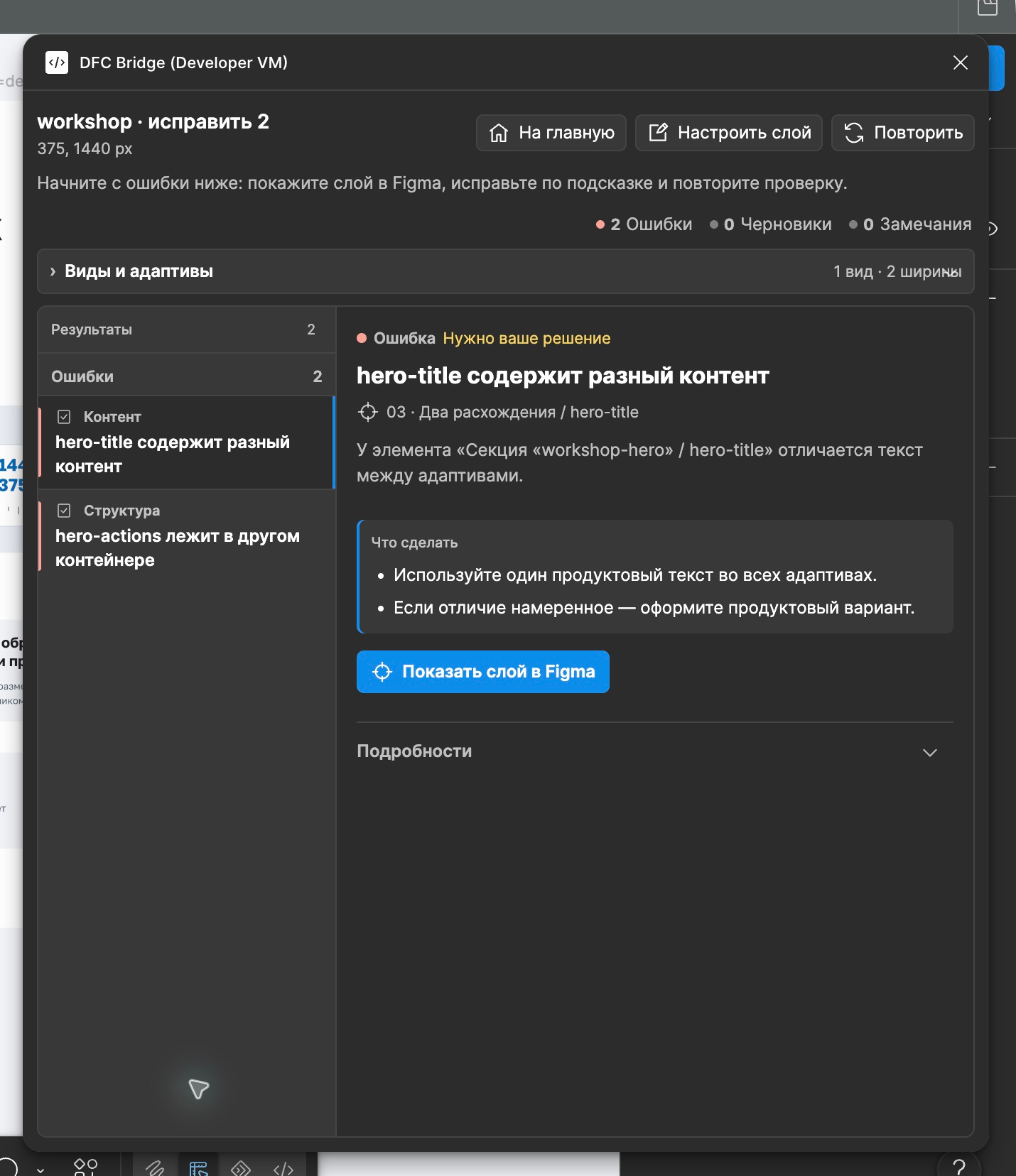
The visual introduction shows why these decisions matter to the team.
1. Extra wrappers
Section titled “1. Extra wrappers”Problem: wrappers exist only because the design was drawn manually.
Fix: every wrapper needs a real reason in Figma: grouping, list, grid, mask, shared surface, overlay/decor scope, semantic region, or target.
2. Text changes between breakpoints
Section titled “2. Text changes between breakpoints”Problem: desktop says one thing, mobile says another, but both layers use the same key.
Fix: preserve exact responsive content. Model locale, experiment, or product variants outside breakpoint variants.
3. Buttons without destination
Section titled “3. Buttons without destination”Problem: a button is visually designed, but nobody knows what happens on click.
Fix: use [href=...] for navigation and [action=...] for a known non-navigation action. If the decision is still open, use [link] or [control] as a draft marker and record an owner; the marker does not finish the behavior.
4. Modal buttons without modal frames
Section titled “4. Modal buttons without modal frames”Problem: a button opens a modal, but the modal does not exist in the design.
Fix: create a modal target with a matching key.
5. Fixed heights everywhere
Section titled “5. Fixed heights everywhere”Problem: cards and text blocks clip real content when transferred.
Fix: prefer hug/content-driven sizing or declare fixed-height reasons and overflow behavior.
6. Freely positioned elements instead of structure
Section titled “6. Freely positioned elements instead of structure”Problem: related elements are loose siblings and cannot adapt reliably.
Fix: use native Auto Layout on every page/section root and on generic containers with two or more visible meaningful flow children. Replace every non-asset Figma GROUP with an Auto Layout frame/component. Keep [decor] only on the exact intended absolute visual layer; use [decor] [asset] for a complex opaque visual.
7. Images instead of editable text
Section titled “7. Images instead of editable text”Problem: text is exported as an asset, so it cannot be translated, indexed, edited, or adapted.
Fix: keep text native unless the visual effect truly requires an asset.
8. Unstable naming
Section titled “8. Unstable naming”Problem: the same element is called differently across breakpoints and has different keys.
Fix: keep one stable identity: an English kebab-case layer name or a required DFC Bridge tag when Figma does not know the intent.
9. Hidden layers as source of truth
Section titled “9. Hidden layers as source of truth”Problem: hidden layers contain alternative states, old copy, or unclear versions.
Fix: move alternatives into declared states, variants, or targets.
10. Manual line breaks instead of a proper text area
Section titled “10. Manual line breaks instead of a proper text area”Problem: headings and copy look correct only because the designer inserted forced line breaks. When the CMS/admin text arrives without those breaks, the layout breaks.
Fix: let text wrap by the text area width. Use hug/min-height, max-width, and explicit overflow/truncation rules. Use [bridge-exception=manual-line-break] [reason=...] only for semantic or approved brand-lockup breaks.